CRM
Making new contacts and maintaining your relationships is an important part of your job. In Odoo you record all your leads and sales opportunities. You make appointments and link activities to them to support you in your daily tasks.
Odoo 15 CRM has a number of nice new extensions, where the completely renewed e-mail plugin stands out.
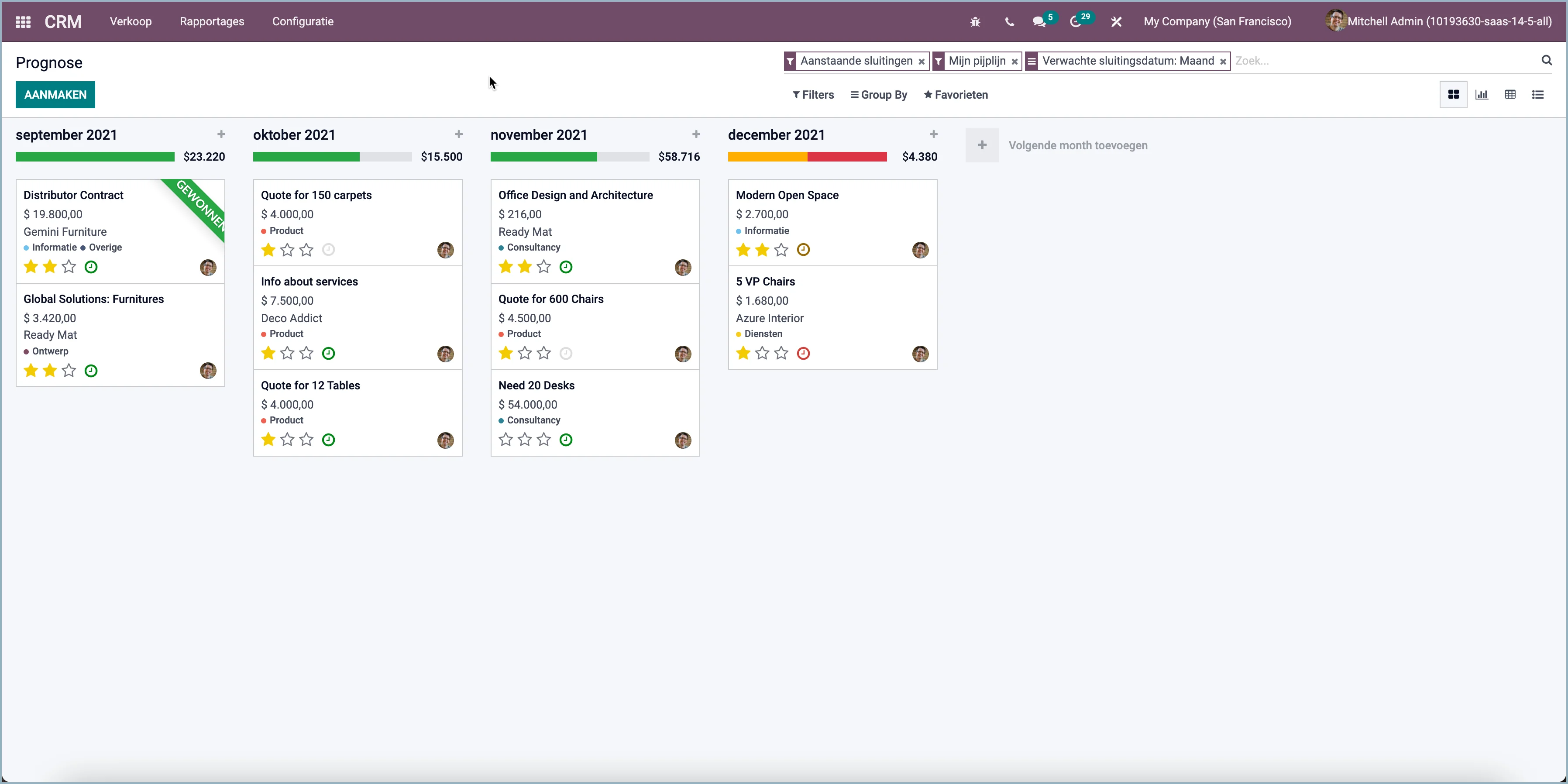
Short-term forecast
The short-term forecast for opportunities based on their expected close date and the prorated revenue for each period (by month by default) will now be shown.
Outlook plug-in
Odoo 15 has a new Outlook e-mail plugin, with which you can directly create a lead from your e-mail or save an e-mail to the contact in Odoo.
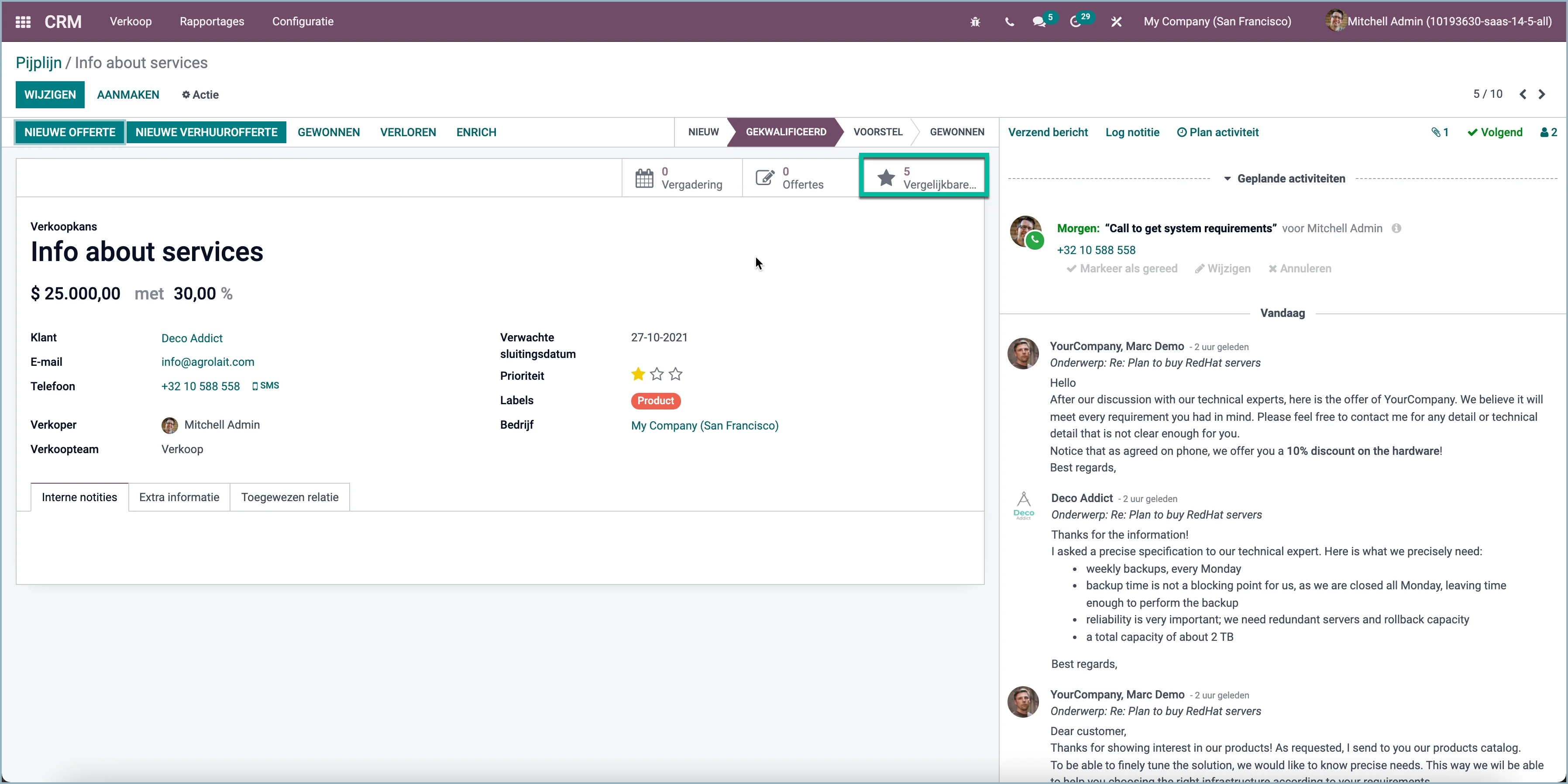
Overview of other sales opportunities
A button to leads and opportunities from the same customer has been placed on the lead and sales opportunity in Odoo 15.
Automatically assign leads to teams
Whether to automatically assign leads to sales teams has now become a setting. If you use it, you can set whether the leads are assigned automatically or manually.
Sales opportunity of online appointments
If an appointment is booked via the online appointment app with any seller, a sales opportunity is immediately created to follow up on this sales opportunity.

Odoo Sales
Various improvements have also been made for sales in Odoo 15. Below is an overview.
From lead to sales opportunity was the first step. You have been active in following up all contact moments. You can now create a quote directly from the opportunity and convert it to a sales order.
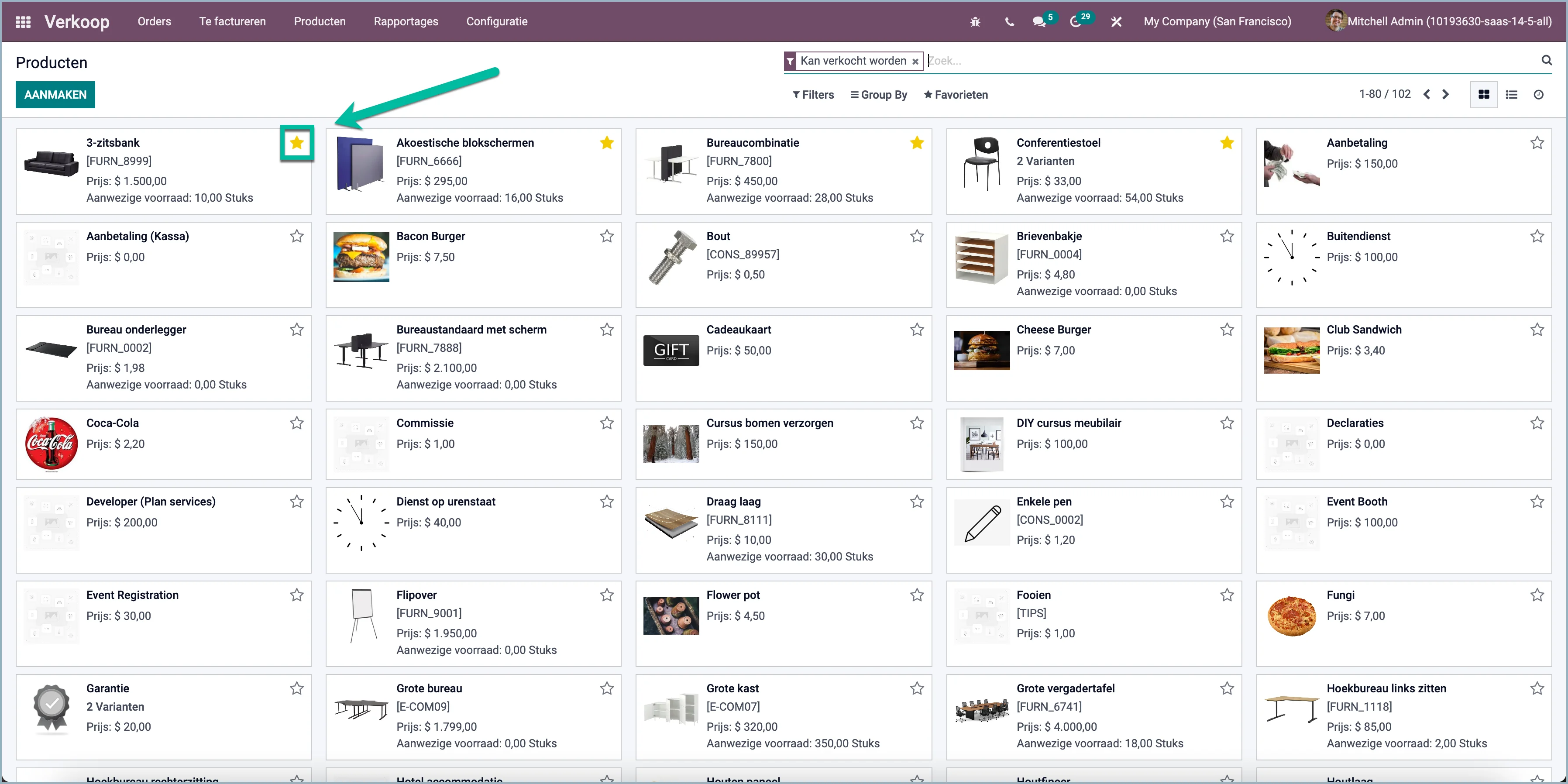
Favorite products
You can now mark a product as a favorite (asterisk). By default, products are sorted by favorite, then by product code and then by name.
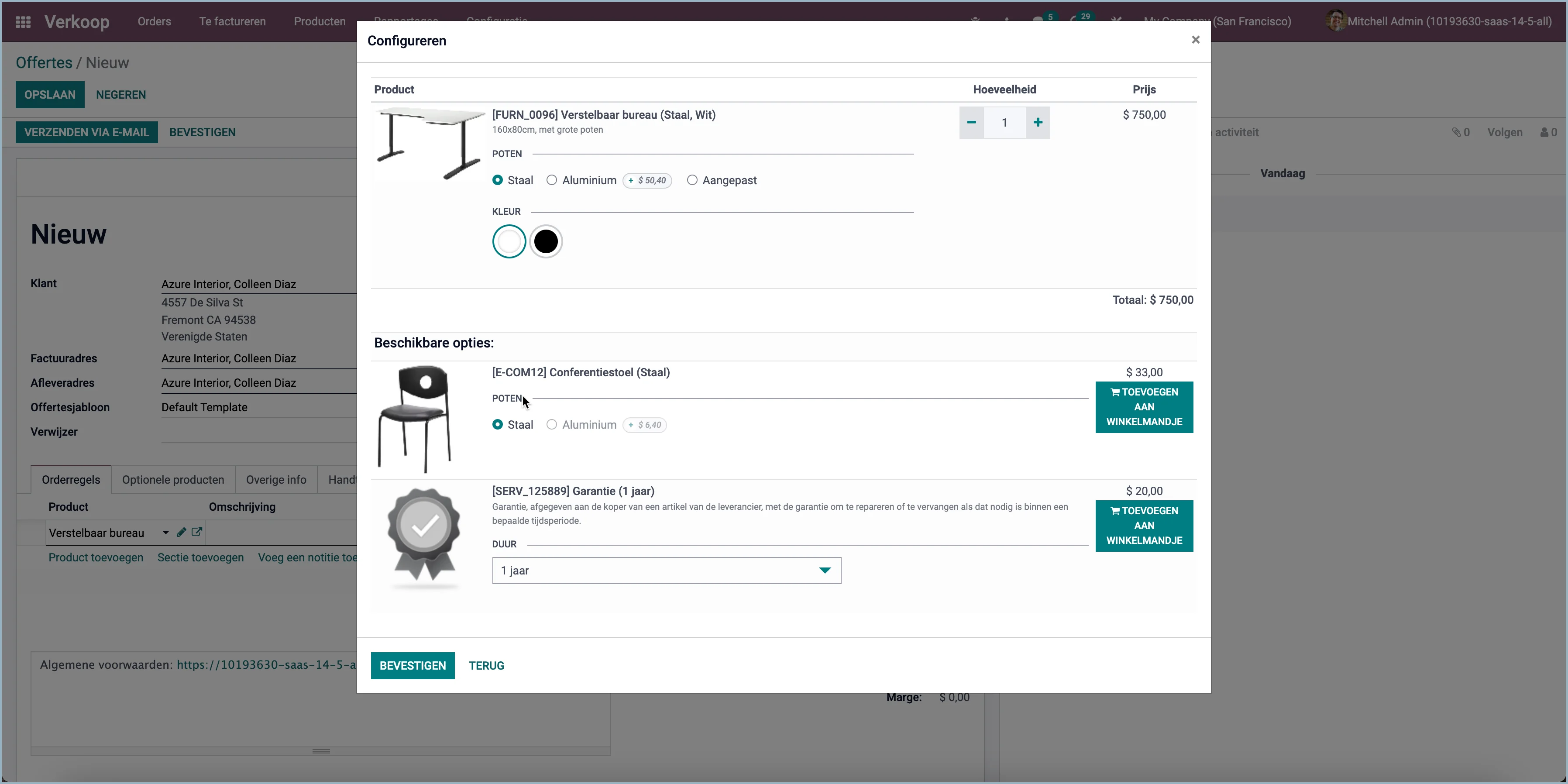
Add optional products
Adding optional products, together with choosing the variant, is now done on one screen. In previous versions, you could only select the optional products after selecting a variant. Now you can do that in one go.
Multiple sales teams
You can now set up to work with sellers who are active in multiple sales teams at the same time.
Send invoice automatically
If an order has been paid online, you can now set the invoice to be created automatically.
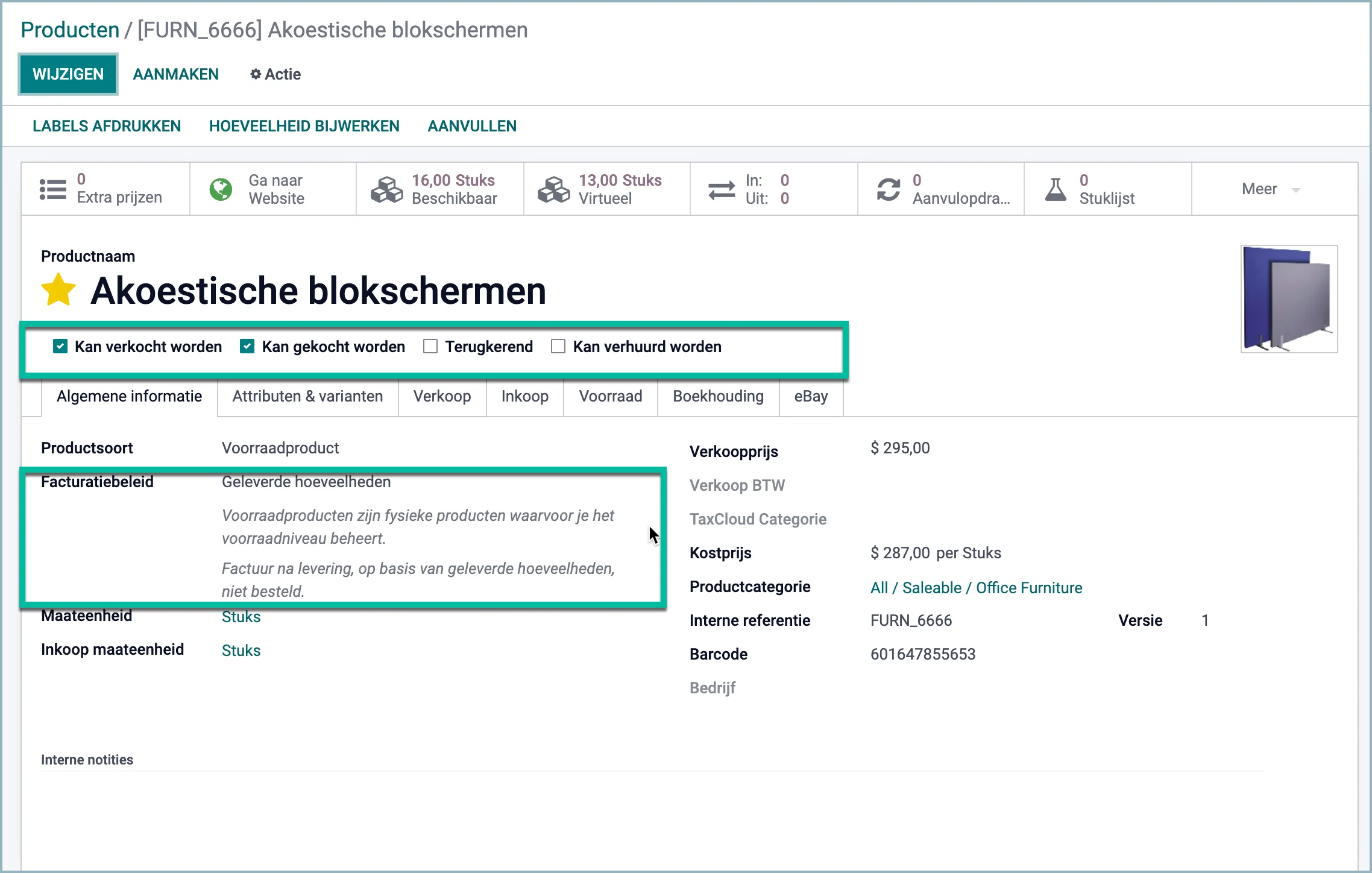
Improved display of product information
The product information is displayed in a clearer and more informative way.
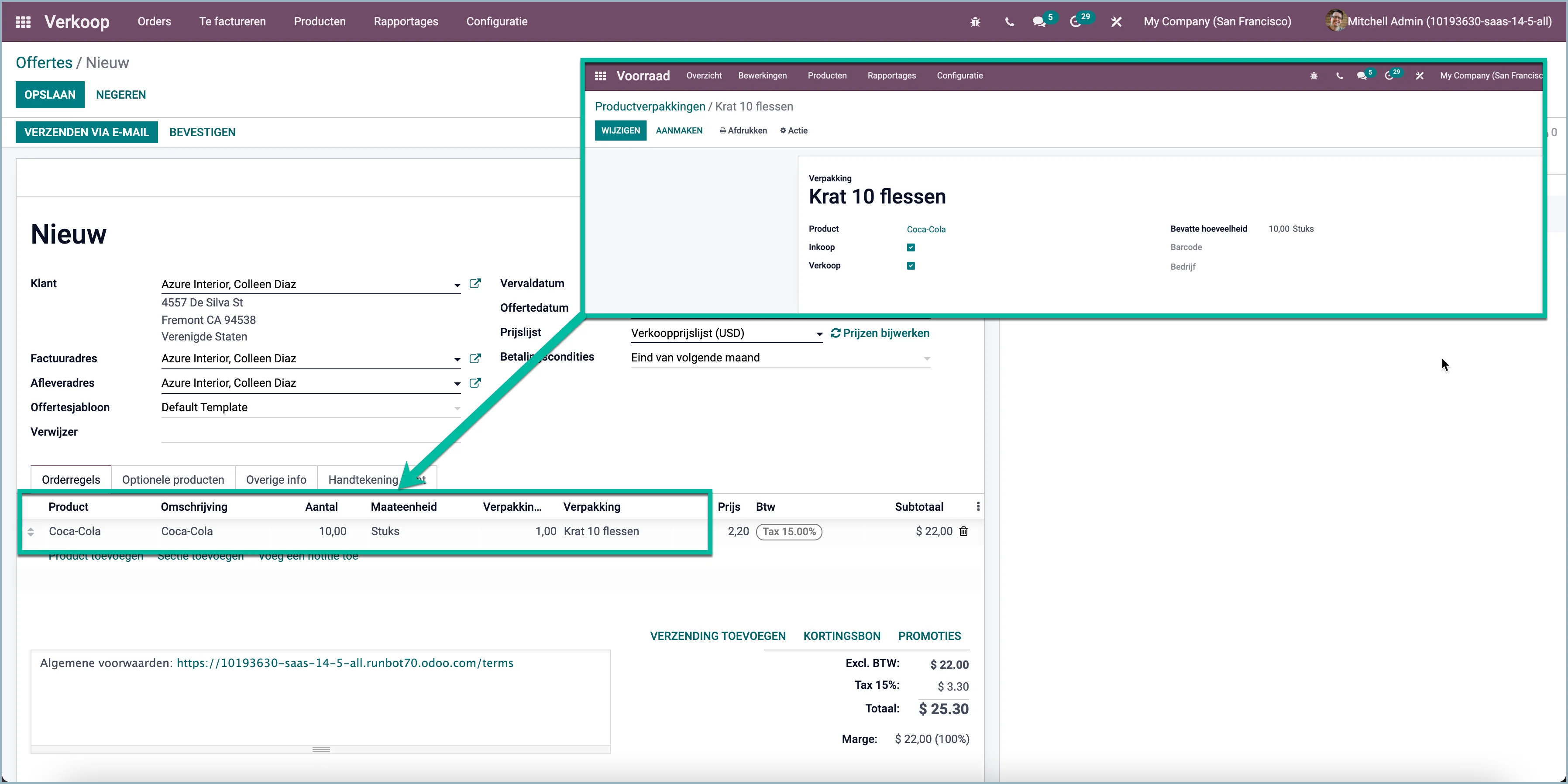
Improved product packaging
The use of packaging has improved. It is now possible to:
Manually enter a packaging at an order line, or Odoo automatically selects the packaging based on the quantity entered.
Packaging on sales lines to a production order.
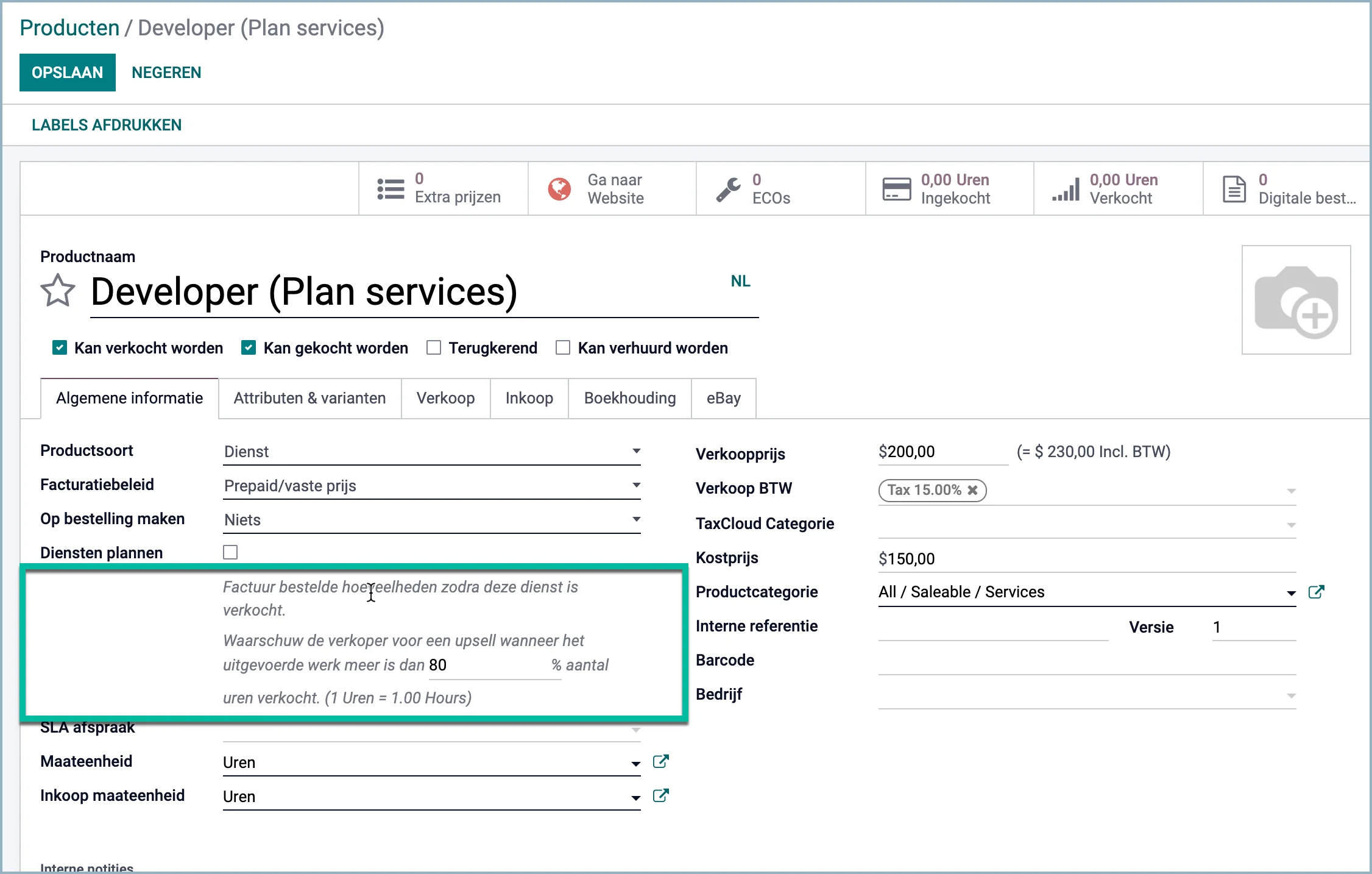
Upsell percentage
With a prepaid service product, you can now set at what percentage of used hours Odoo should give a notification for upsell.
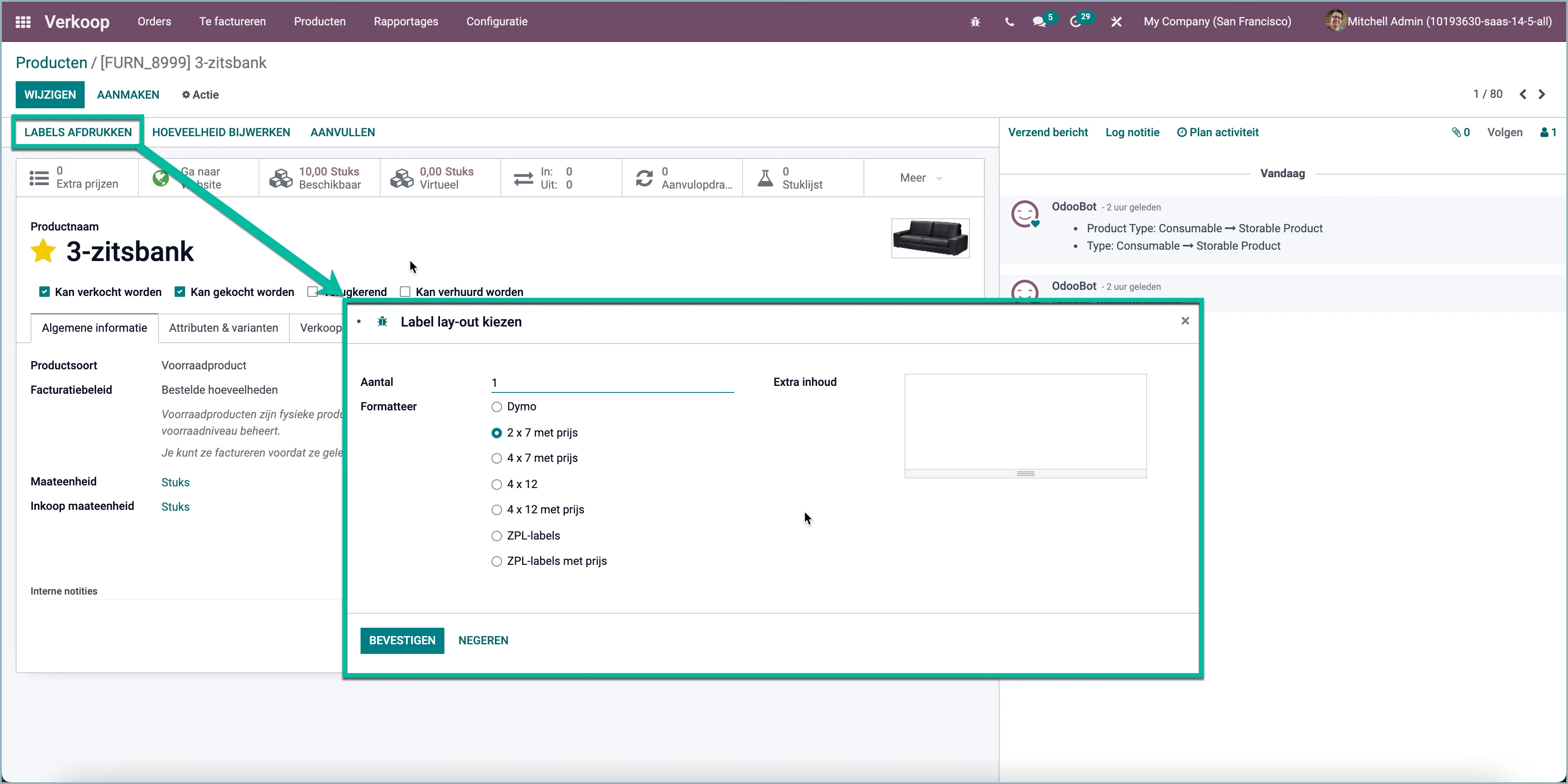
Print product labels
Now print product labels in the most commonly used label formats. You can also add a one-off text.