During the Odoo Experience 2016, which will be held Oct. 5-7 in Brussels, Odoo will present version 10 of its Odoo All-in-one business software. One year after releasing version 9, Odoo is ready with version 10.
We must have looked over the shoulders of the Odoo R&D Team and can already give you an overview with the most eye-catching improvements and new features.
Usability
The usability of Odoo stat comes first. Usability is one of Odoo's main focuses. You see every version that the software is easier to use and more logical. Also in version 10, much has been improved.
- For example, Odoo has further expanded and improved the help texts
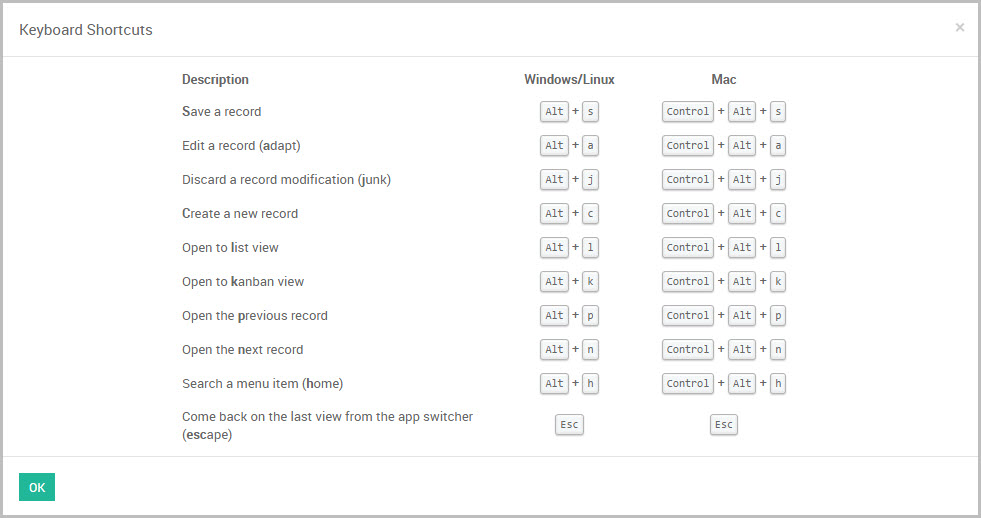
- Shortcut keys have been added for the most frequently performed actions
- You can now easily search for a menu item, by typing directly
- You could not search all lists by date. A much requested functionality which has now been added
Odoo MRP
Odoo MRP, packed with new features.
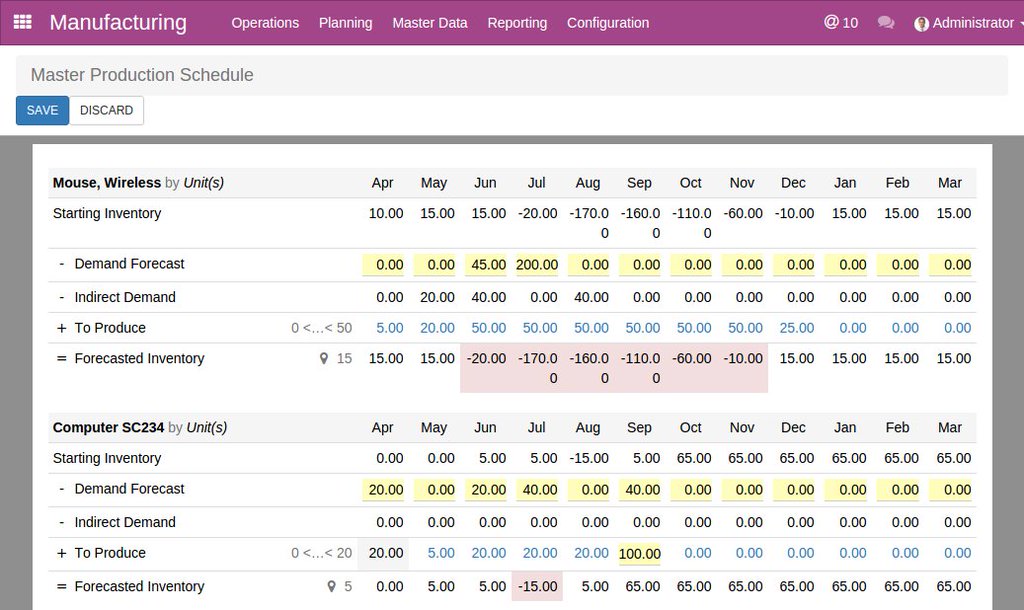
Version 10 is all about revamping and further deepening the MRP module. The MRP module has been expanded with additional modules for PLM and quality (see later in this blog). An overview of the new features: Master Production Schedule added
- Requesting and processing maintenance requests
- Work instructions images have been added
- Machine efficiency reporting
- Work order performance reporting
- Integration with quality controls
- Gantt Charts for planning on production order and work orders
Odoo PLM
Manage your product lifecycle with Odoo PLM
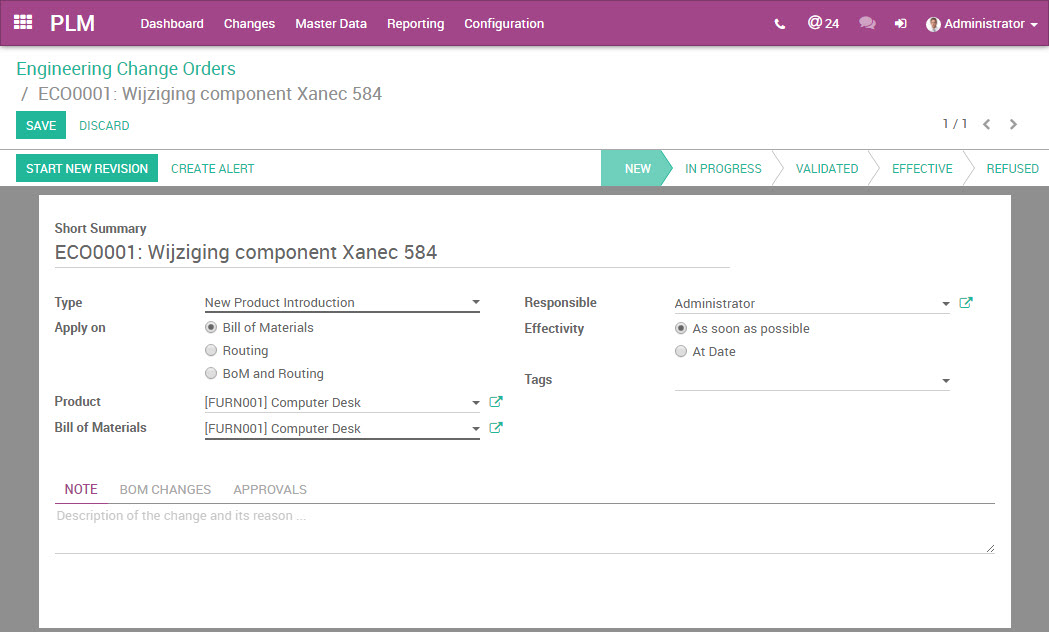
In version 10, Odoo is launching an all-new App. Odoo Product Lifetime Management (PLM). This module allows you to manage and monitor the life cycle of a product.
From development of a new composite product to changing product composition or production method. The process of development or change is recorded in an Engineering Change Order, which goes through several stages of control.
Odoo Quality
Create checkpoints within your process
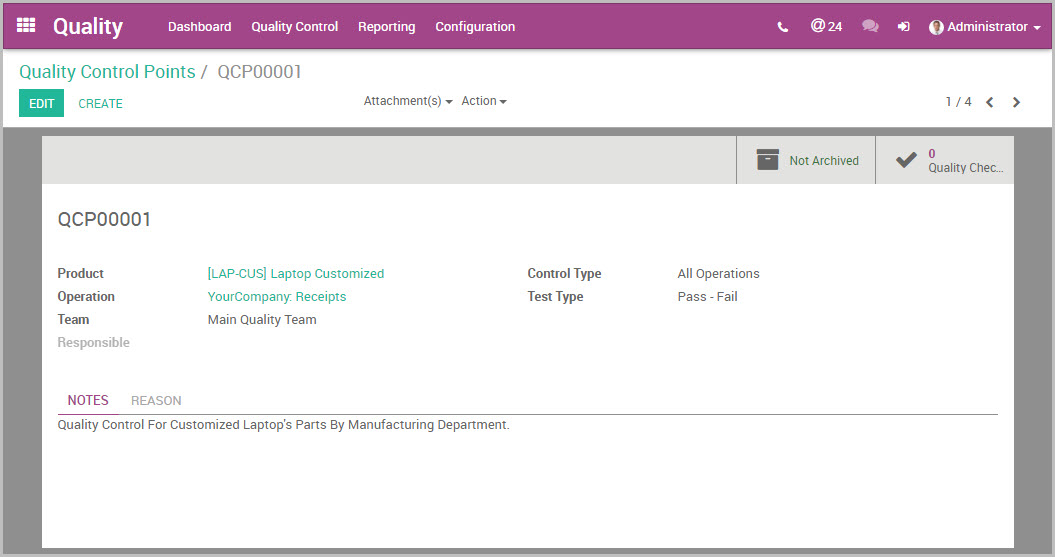 Odoo MRP manufacturing has been extended with a quality module. You can define quality control points within your processes and have them executed. Quality checkpoints you can add to:
- Goods receipt
- Outgoing deliveries
- Production orders
- Checkout POS orders
- Dropship orders
A check can be performed periodically or Odoo randomly determines when a check should be performed. The check can be a simple error/good, or it can be measuring a value. The checks are directly linked back to the quality officer. The quality officer gets a clear dashboard with all checks and any alerts.
Odoo Accounting
Accounting has now been made suitable for the Dutch market.
The import of bank statements of the format CAMT.053 and CSV have been added to the accounting system.
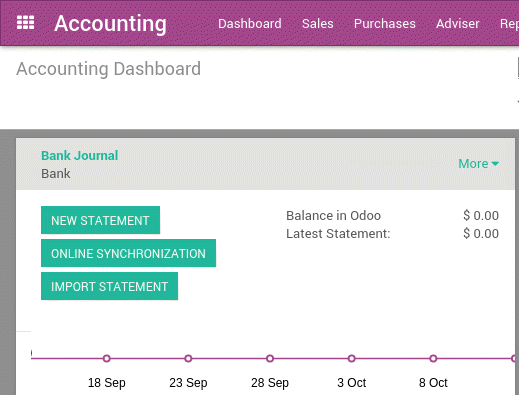
When there were errors in VAT entries, it was always difficult to fix them. You have to deal not only with the VAT general ledger accounts, but also with the VAT headings on which entries were made. From version 10, it is possible to make a correction to VAT entries directly.
Odoo events
Scan your event attendees
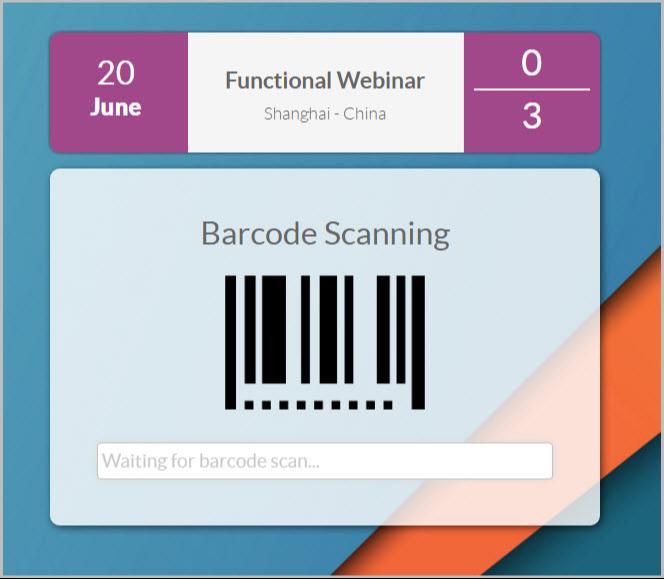
Event scheduling has been improved and to this has been added barcode scanning functionality. With the addition of barcode scanning, it is possible to create event badges with a barcode and scan visitors to your event.
Odoo Studio
Now customize Odoo yourself with Odoo Studio
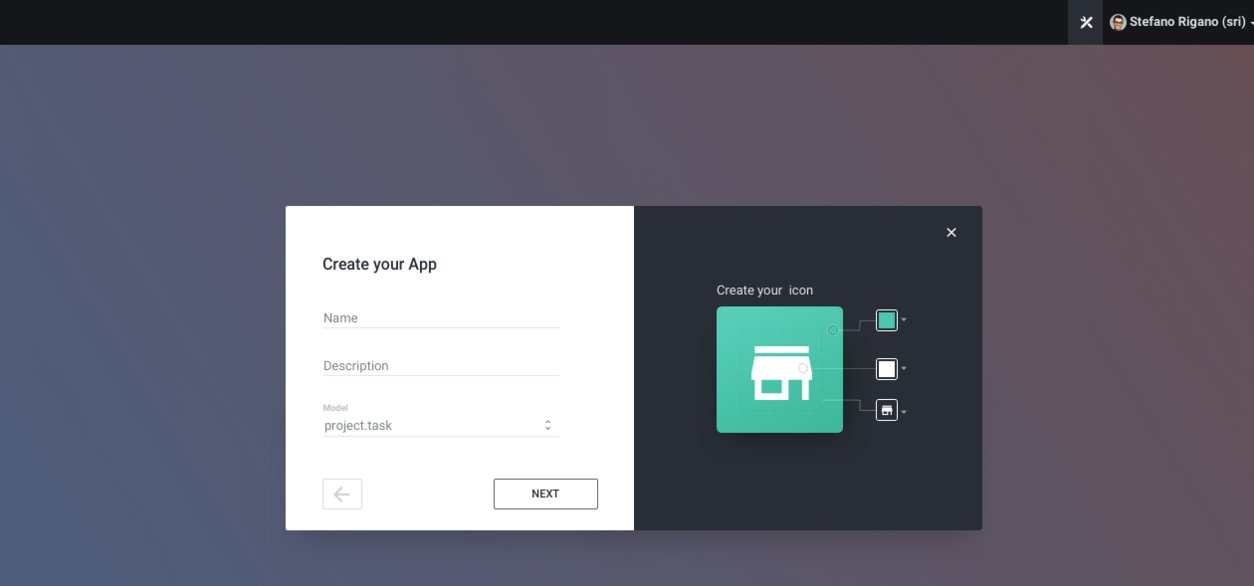
Perhaps most surprising to us is the launch of Odoo Studio. With Odoo studio, it will be possible to create your own module and modify existing functionality of Odoo with just a few clicks.
Odoo Helpdesk
The ideal help desk tool now part of Odoo
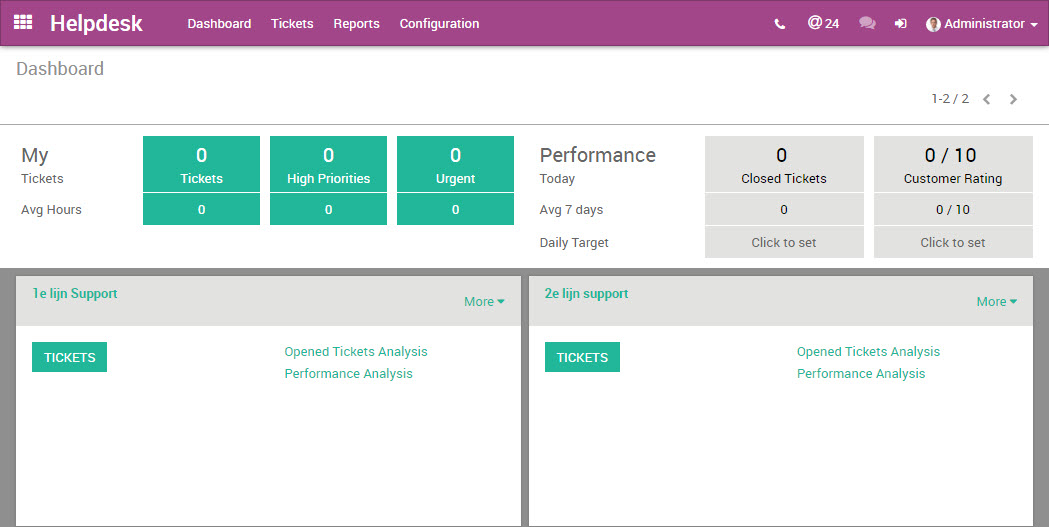
For companies with a help desk, Odoo comes with a whole new Omnichannel Helpdesk module where the customer is helped through various channels. The new Odoo App includes the following functionality, among others:
- Users can create online and ticket
- You can activate a helpdesk forum
- Live chat integration
- E-learning. Integrate presentations and video
- Let users rate you through the rating system
- Service Level Agreements (SLA) on help desk tickets